Marina Lyubimova
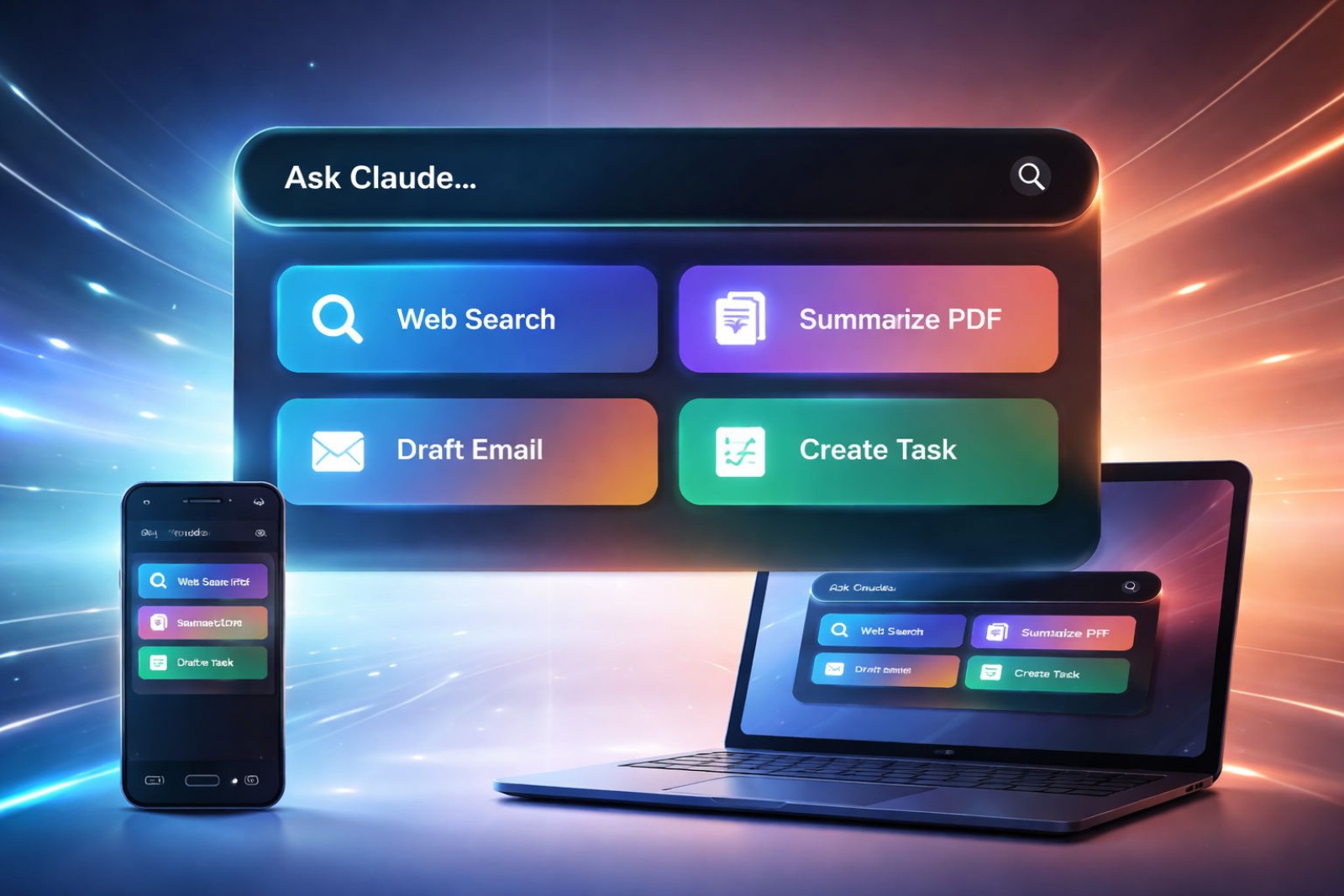
⬤ Anthropic's rolling out an interface upgrade for Claude that centers on a command-style search menu built for speed. The feature lets you quickly dig through old conversations and fire off predefined actions from one spot. Early screenshots show a clean search field paired with shortcuts for launching new chats and tasks.
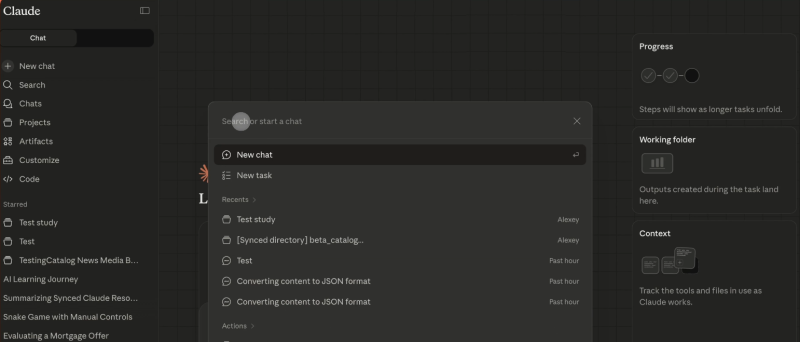
⬤ The menu works like a quick launcher inside Claude. You'll find your previous chats without endless scrolling, plus one-click actions like "Ask your org" and "New task" that cut straight to what you need. It's clear Claude's being tuned for people who bounce between conversations and structured work throughout their day.
⬤ What's interesting here is how everything comes together in one workspace. Recent chats, synced folders, and active tasks all live in the same panel. You've got progress trackers, working directories, and context tools sitting right next to your main chat window—everything's accessible without jumping between different menus.
The interface surfaces recent chats, synced directories, and ongoing tasks in a single panel.
⬤ This matters because it shows where AI assistants are heading. When you're using Claude as part of your actual work process, shaving off those extra clicks and searches adds up fast. By pulling navigation and actions into one centralized hub, Anthropic's betting on efficiency and workflow continuity over simple back-and-forth chat. As AI platforms fight to become genuine productivity tools, updates like this search menu could define which assistants actually stick in people's daily routines.
 Marina Lyubimova